Getting started#
The Start Page#
This page will guide you through the configuration of the ECMP Zero Footprint Application. The user interface of the explorer integration is the Windows Explorer application. As an application we have limited power of the behavior of this standard application. However, the are still a lot of details that you can control to configure user interaction with the application and to control the behavior of the application.
You can configuring the application with the Explorer Integration Manager feature of the IBM Content Navigator. This feature is installed as part of the installation of the application.
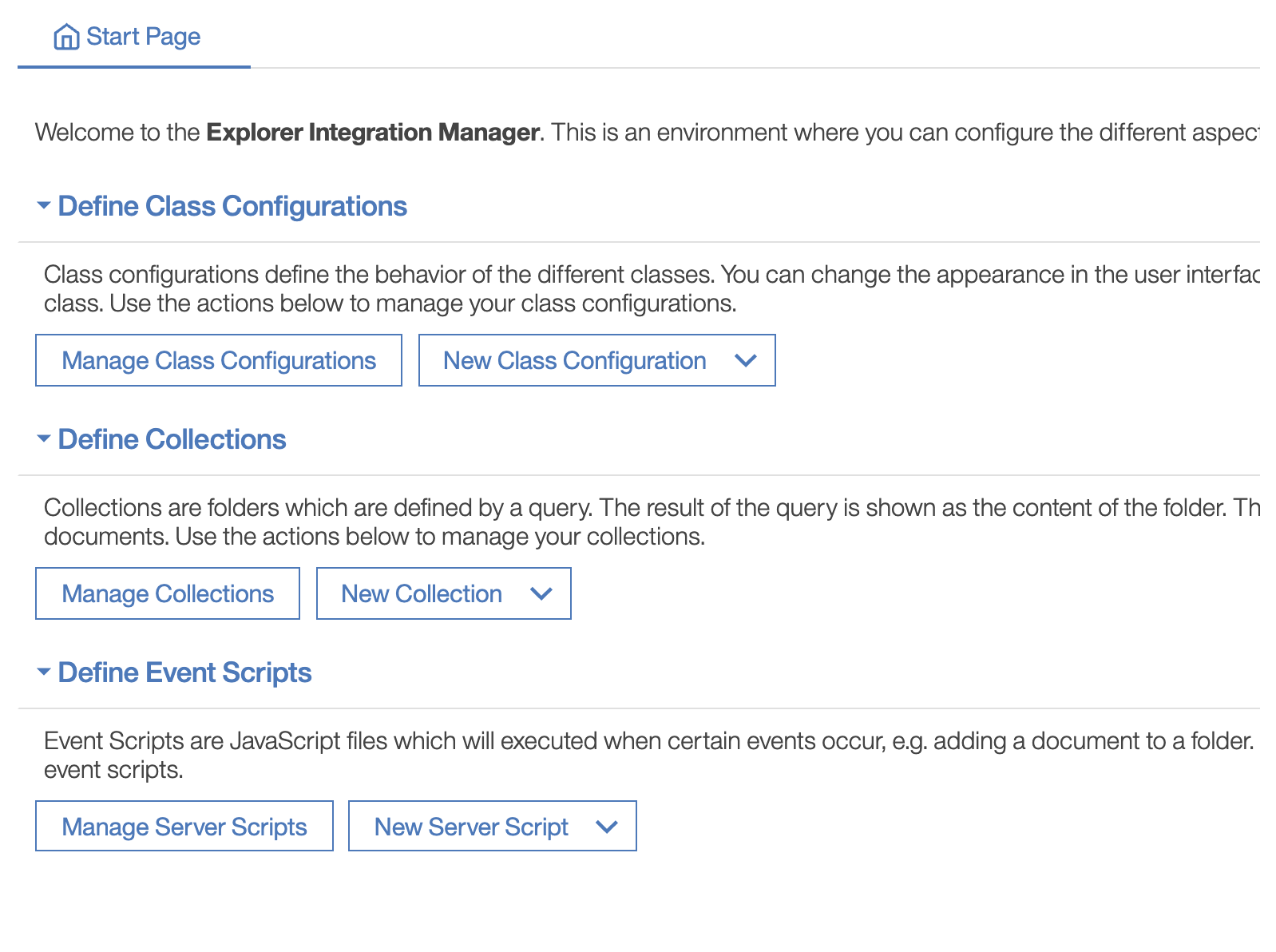
The start page of the feature gives you an overview of the different configuration topics. From this page you can navigate to the different sections. The start page also provides you with convenient shortcuts for creating new configuration items.
There are three main section in the start page:
- Defining Class Configurations
- Defining Collections
- Defining Server Scripts
Configuration Basics#
The interface for configuring the different aspect of the application is based on Blockly. Blockly is a framework for creating block-based visual programming languages. This framework is widely used as an easy way to provide an intuitive user interfaces for moderately complex systems. Famous Blockly implementations are for instance Scratch and Domoticz.
The blockly interface consists of a palette on the left side where the different blocks can be chosen. These blocks can be added to the the main block in the the workspace. The shape of the blocks are an indication of the different positions where the blocks can be placed. Blocks can be either deleted with the context menu of the blocks or by dragging the block to the recycle bin.
Specifying Values#
There are different places in the application where you have to specify a value. These values can be selected from the Values palette on the left of the workspace. The different value configuration blocks are shown in the table bellow.
| Block | Description |
|---|---|
 |
A string value |
 |
A multi value string value |
 |
An integer value |
 |
A boolean value. Select the desired value from the dropdown list |
 |
A property of the current user (e.g. name, email address name). Select the desired value from the dropdown list |
 |
Use this block to append different values to one value |
 |
The value is provided by a data source. This can be a string or an integer value |